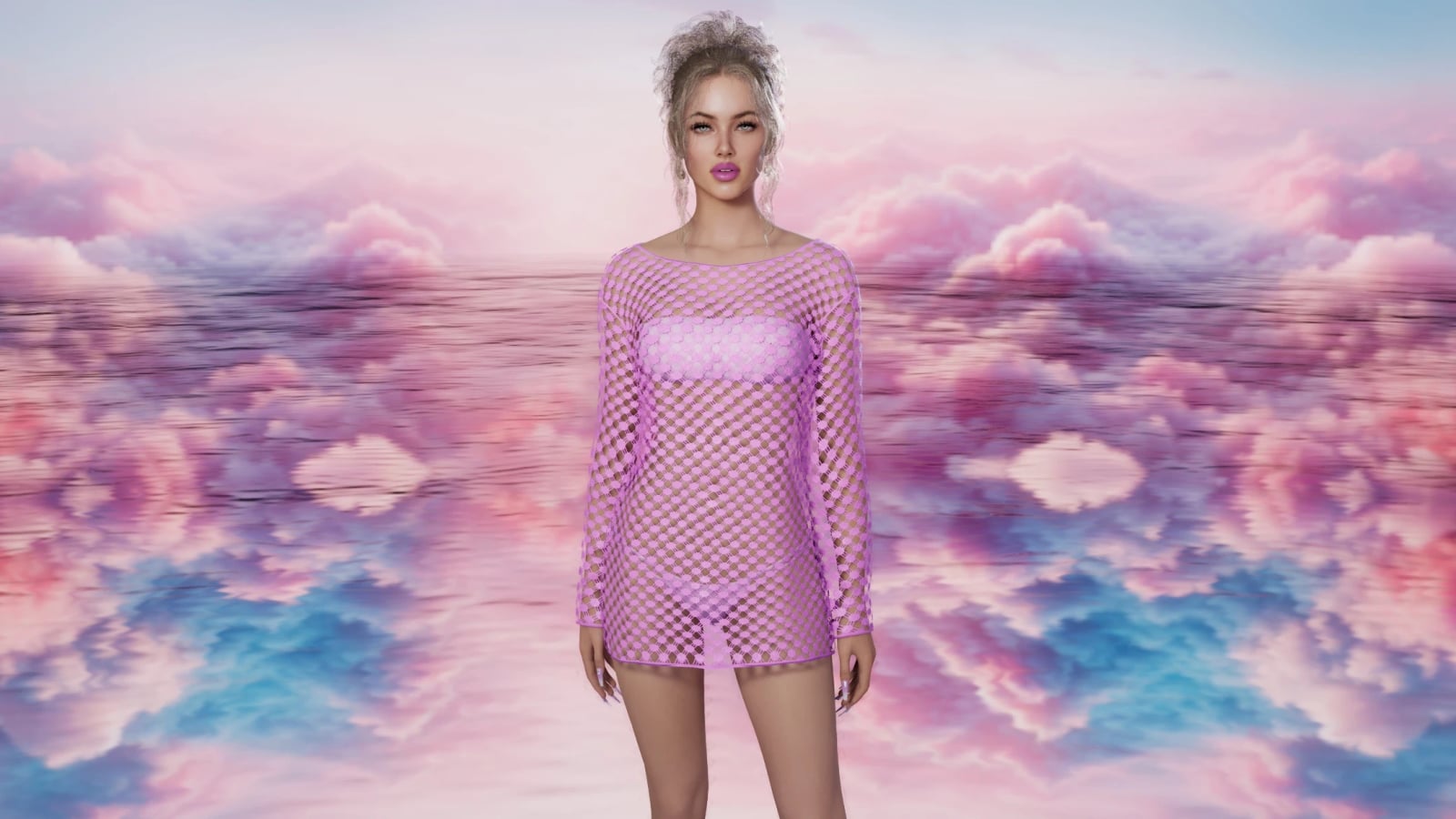



inZOI No Mesh Undergarment Mod v3.5
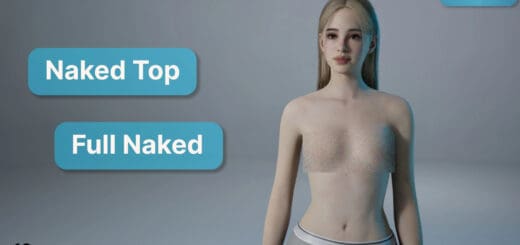
This mod removes the default underwear mesh by overriding the Undressed appearance presets for your Zois, giving you a clean look in CAZ and during bathing without altering meshes or replacing geometry.
It supports most skin and body setups.
Features
- Removes default underwear meshes only.
- Lightweight JSON-only approach, with no mesh files or textures.
- Suitable for realism, nude-friendly setups and custom skins.
- Works in CAZ, bathing and all Undressed scenarios.
- Compatible with most major appearance mods, including Dreamdoll and Skin 2.
Specifications
- Version: 3.5
- Compatibility: inZOI UE 5.6 Build + v0.11.0 Update
- Date: October 15, 2026
Compatibility
- Conflicts with mods that overwrite base underwear meshes directly.
- Conflicts with mods that override the same InnerUnderId/InnerTopId preset fields.
- Conflicts with body or appearance mods that replace Undressed presets.
- This mod only removes the default MESH undergarment. It does not remove the baked-on grey underwear skin texture.
- To remove the baked-on grey skin texture, you need a compatible body or skin override like No Grey Skin.
- If using Supponpon with this mod, wear the Supponpon pubic hair in CAZ instead of underwear to avoid conflicts.
Installation
- Unzip the folder and place the mod folder in the inZOI Mods directory. The mod is ModKit compatible.
- Installation Path:
C:Users<YourUsername>DocumentsinZOIMods88849 - Validate this mod in the in-game “Installed Mods” management window once installed.